


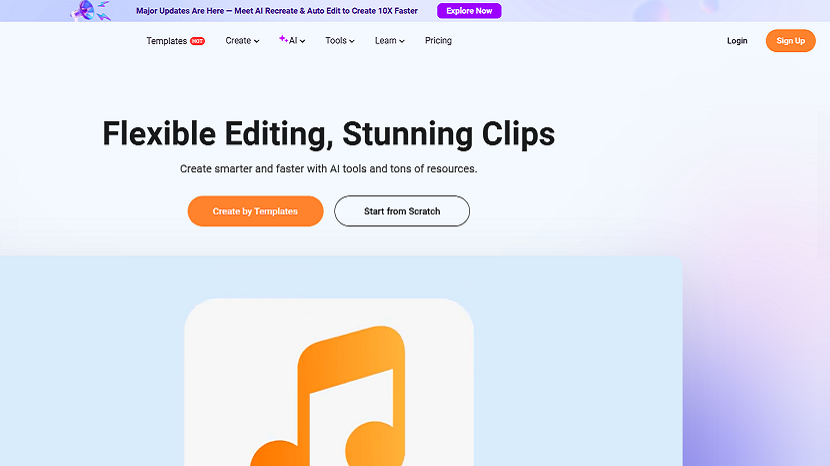
In 2025, FlexClip has positioned itself as one of the most accessible and efficient online video creation platforms for marketers, educators, small businesses, and everyday creators. With its continuous feature evolution—most notably the introduction of AI Auto Edit and AI Recreate—FlexClip empowers users to build professional-grade video content with significantly reduced effort and time investment.
This article provides a complete overview of FlexClip’s toolkit, pricing structure, practical workflows, and top alternatives available this year.
1. What Is FlexClip?
FlexClip is a cloud-based video creation and editing platform designed for users of all skill levels. With a template-driven editor, AI-powered functions, and an intuitive drag-and-drop interface, it enables users to produce marketing videos, tutorials, social media content, product demos, and more without requiring advanced editing knowledge.
2. Key Features of FlexClip
FlexClip’s strength lies in combining simplicity with intelligent automation. Below are its standout features in 2025:
2.1 AI Auto Edit (New in 2025)
AI Auto Edit analyzes raw footage and automatically produces a polished video with smart cuts, transitions, rhythm alignment, and highlight selection.
Ideal for: vloggers, product reviewers, educators, event videographers
What it does:
- Identifies the best segments in long clips
- Removes pauses or shaky sequences
- Automatically selects transitions
- Syncs scenes with background music
- Arranges content into a clean narrative structure
2.2 AI Recreate (New in 2025)
AI Recreate allows users to duplicate any existing video style—such as structure, pacing, color tone, and text layout—and apply it to new content.
Use cases:
- Keep brand videos stylistically consistent
- Repurpose old content
- Quickly generate updated versions for new audiences
- Adapt a viral format to your own videos
2.3 AI Text-to-Video
Converts written descriptions or scripts into full videos with scenes, voiceovers, images, and animations.
2.4 AI Image-to-Video
Transforms static images into dynamic animations, ideal for social posts or product showcases.
2.5 AI Voice Generation
Produces natural voiceovers in multiple languages and tones, suitable for international marketing.
2.6 Built-in Templates (5,000+ options)
Users can select templates for ads, intros, YouTube videos, presentations, and more.
2.7 Advanced Editing Tools
- Multi-layer timeline
- Speed adjustment
- Audio separation
- Auto subtitles
- Royalty-free stock library (video, music, photos)
3. How to Use FlexClip: Step-by-Step Guide
Below is a practical workflow for creating a video from scratch:
Step 1: Start a New Project
Sign into FlexClip, choose a blank canvas or a template based on your content type.
Step 2: Import Your Media
Upload your video clips, images, audio files, or generate assets using AI tools.
Step 3: Use AI Auto Edit (Optional)
If working with long footage, select AI Auto Edit to automatically refine and shorten the content.
Step 4: Apply AI Recreate (Optional)
Choose an existing video style and let FlexClip generate a new piece in the same visual identity.
Step 5: Edit Using the Timeline
Add text, transitions, filters, and voiceovers.
Adjust clip order and refine scenes as needed.
Step 6: Add Music and Subtitles
Use auto-captions to generate subtitles or upload your own.
Choose background music from FlexClip’s library.
Step 7: Export Your Video
Download the final video in 1080p, 4K, or other formats suitable for social media or professional use.
4. FlexClip Pricing in 2025
FlexClip offers flexible plans tailored to different user needs:
| Plan | Suitable For | Key Benefits |
|---|---|---|
| Free | New users & casual editors | Basic templates, limited stock access, watermark |
| Plus | Content creators | Higher export limits, more stock footage, advanced editing tools |
| Business | Agencies & marketers | Full premium resources, 4K downloads, large cloud storage, commercial licensing |
The Business Plan remains the most cost-effective for users producing content regularly or under brand guidelines.
5. Top FlexClip Alternatives in 2025
If you’re exploring the market, consider these comparable tools:
1. Canva Video Editor
Known for its design ecosystem, Canva offers simple video editing with templates.
Best for: social media creators, educators.
2. InVideo
A strong AI-assisted editor with automated scripts and templates.
Best for: marketing agencies and influencers.
3. Kapwing
A browser-based editor with collaborative tools and AI enhancements.
Best for: teams creating short-form videos.
4. Adobe Express Video
A simplified Adobe ecosystem tool with templates and branding kits.
Best for: small businesses.
Each alternative offers strengths in design, automation, or team collaboration, but FlexClip stands out for its balance of AI automation, simplicity, and affordability.
6. Final Thoughts
In 2025, FlexClip continues to lead in accessible, AI-driven video creation. With its new AI Auto Edit and AI Recreate features, the platform provides users with powerful ways to accelerate production, maintain consistency, and repurpose content effortlessly. Whether you're a marketer, educator, entrepreneur, or content creator, FlexClip delivers a reliable and intuitive solution for producing professional videos without complex learning curves.
If you found this article helpful, we encourage you to share it on your social media platforms—because sharing is caring! For more information about article submissions on our website, feel free to reach out to us via email.
Send an email
Written by RGB Web Tech
Latest Technology Trends
Latest technology trends shaping the future, including AI advancements, blockchain innovation, 5G connectivity, IoT integration, and sustainable tech solutions. Explore breakthroughs in quantum computing, cybersecurity, augmented reality, and edge computing. Stay ahead with insights into transformative technologies driving innovation across industries and revolutionizing how we live, work, and connect.
Related Articles - Tool and Software

Website Monitoring Tools
We compared the best web monitoring tools and softwares that can help improve website uptime and overall performance.
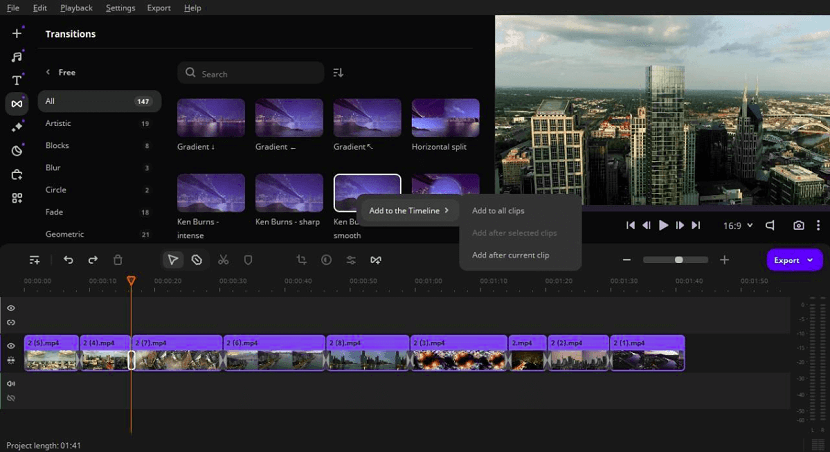
Merge Videos
Master seamless video transitions! Elevate your content with style as you learn the art of merging videos flawlessly. Dive into perfection now!

AI in Digital Marketing
Maximize marketing impact with AI: Discover expert tips and best practices for integrating artificial intelligence in your digital marketing strategy.

Best Sales Enablement Tools
Maximize sales success with expert insights on leveraging sales enablement tools. Boost efficiency, close deals, and elevate your business strategy.

Premier AI Essay Detector Bypasser
Humbot Review: Your go-to solution for effortlessly navigating through AI essay detectors. Outsmart plagiarism checks with this premier tool.

Blogging Tools Every Blogger Needs
Discover essential blogging tools for success! From SEO plugins to editorial calendars, equip yourself with must-have resources for thriving online.

Features to Look for in the Best Proposal Software
Discover key features to look for in the best proposal software, from customization to automation, to streamline your proposal process effectively.

Role of Annotation Tools in Interactive eBooks
Boost reader engagement with interactive eBooks! Discover how annotation tools enhance learning and retention, making reading a dynamic experience.

How Real-Time Tracking Improves Task Management
Boost productivity with real-time tracking! Discover how instant updates streamline task management, enhance collaboration, & drive efficiency.

FlexClips AI Tools A Leap Forward in Video and Photo Editing
FlexClip's AI tools: revolutionizing video & photo editing with smart features for creativity, ease, & stunning results. Try now!

AI-Powered Digital Signage Software
The way outdoor marketing is done has seen an overhaul in the last few years and one of its main components that marketers love now is the AI digital signage software.

The Best UK Proxy : Navigating the Digital Landscape with Precision and Compliance
Best UK proxy solutions to browse securely, access geo-restricted content, and ensure full compliance with UK digital regulations. Stay anonymous, enhance speed, and protect your online privacy with trusted proxy services.
FlexClip Comprehensive Review Capabilities Pricing and Alternatives
FlexClip in 2025: in-depth review of AI-powered features, affordable pricing plans starting at free, and the best alternatives like Canva and InVideo for seamless video editing.
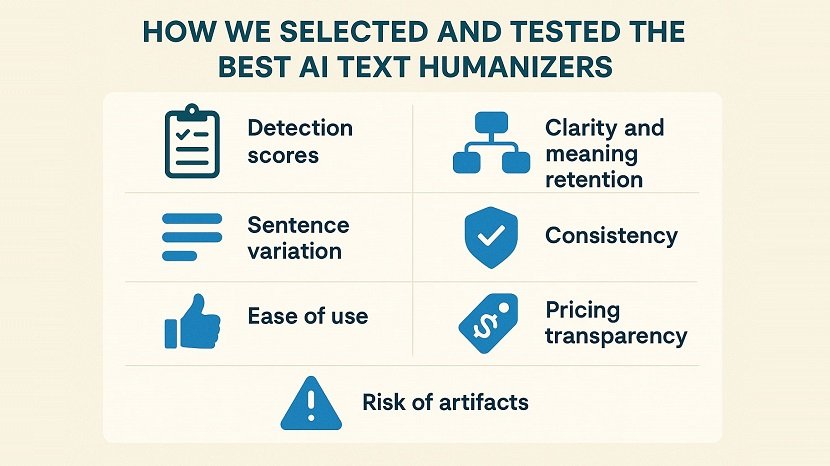
Top 8 Best Tools to Humanize ChatGPT Text and Make It Undetectable
Top 8 tools to humanize ChatGPT text and make AI-generated writing undetectable. Boost authenticity, bypass AI detectors, and transform robotic content into natural, human-like text.

Why Easybrain Solitaire Online Works for All Skill Levels
Why Easybrain Solitaire Online is perfect for beginners and experts alike with smooth gameplay, smart hints, daily challenges, and relaxing fun.

Traffic Solutions for Modern Business Websites using Push Notifications
How push notification traffic helps modern business websites generate repeat visits, control traffic flow, and measure performance through real user behavior.

Measuring the ROI of Case Management Software in Your Nonprofit
Learn how to measure the ROI of case management software in your nonprofit. Discover key metrics, cost savings, efficiency gains, and impact evaluation strategies to maximize your technology investment.